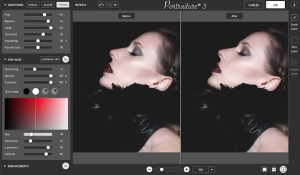
The MUA Retouch Panel for Adobe Photoshop is a powerful tool designed to streamline and enhance the photo retouching process. Here’s a brief introduction:
Overview
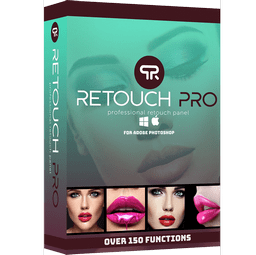
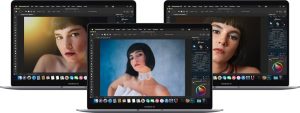
The MUA Retouch Panel is a plugin or extension for Adobe Photoshop that focuses on simplifying and accelerating the retouching workflow. It’s especially popular among makeup artists, portrait photographers, and anyone involved in detailed photo editing.
Key Features
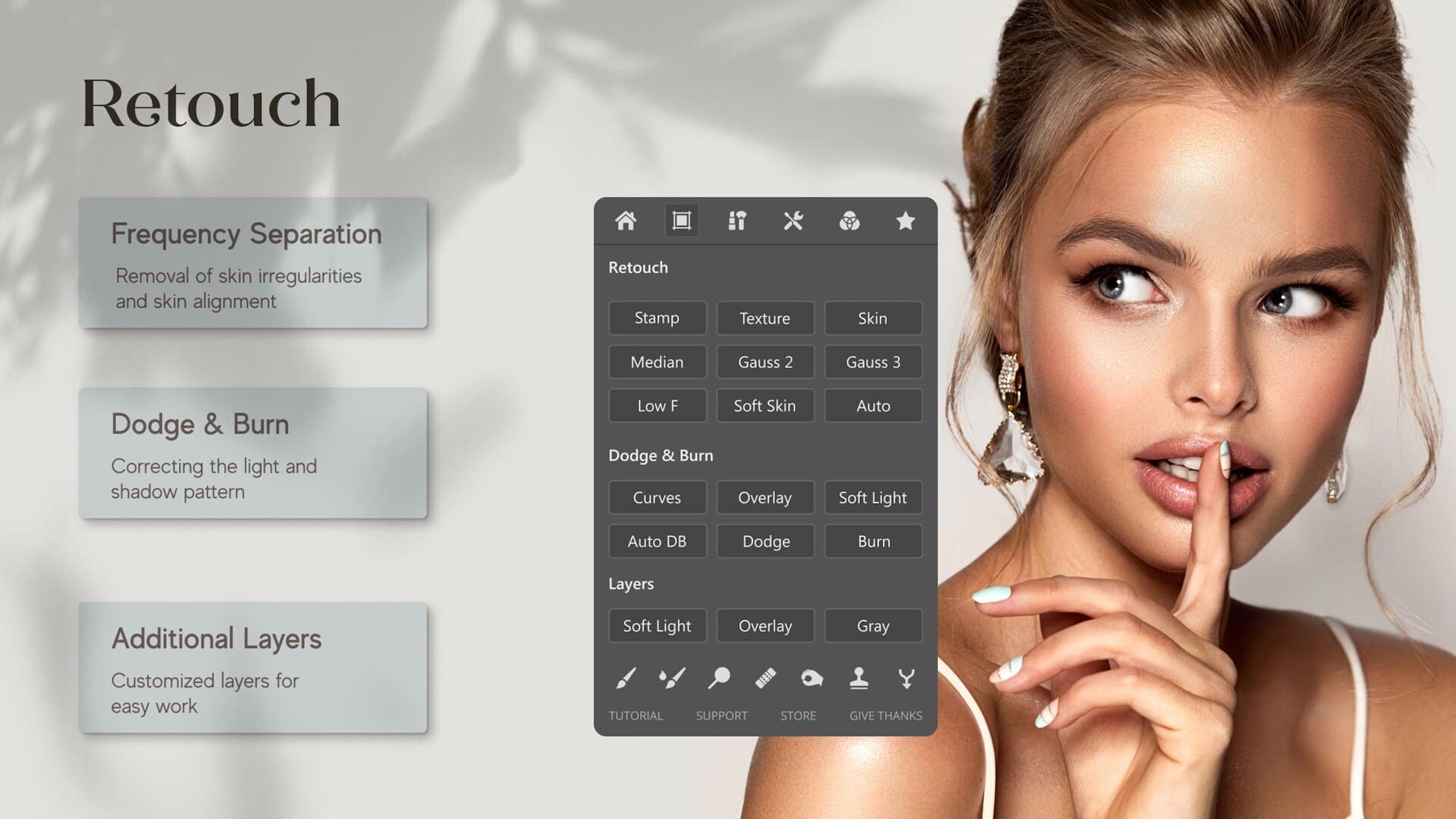
- Intuitive Interface: The panel offers a user-friendly interface with well-organized tools and options, making it easier to access various retouching functions.
- Automated Retouching: It includes features for automated tasks like skin smoothing, blemish removal, and color correction, which can save time and ensure consistency.
- Customizable Presets: Users can create and save custom presets for frequently used adjustments, speeding up the editing process.
- Advanced Tools: The panel provides advanced tools for detailed retouching, including frequency separation, dodge and burn, and advanced sharpening techniques.
- Integration with Photoshop: As a Photoshop panel, it integrates seamlessly into the Photoshop workspace, allowing users to access its features without disrupting their workflow.
Benefits
- Efficiency: Streamlines complex retouching tasks, reducing the amount of manual work and speeding up the editing process.
- Consistency: Ensures consistent results across multiple images with the use of presets and automated functions.
- Professional Results: Helps achieve high-quality, professional-looking retouches with minimal effort.
Getting Started
To use the MUA Retouch Panel:
- Install the Panel: Download and install the panel according to the provided instructions. It typically involves placing files in Photoshop’s plugin directory and restarting the software.
- Access the Panel: Open Photoshop and access the MUA Retouch Panel from the
Window > Extensions menu.
- Explore Tools: Familiarize yourself with the available tools and options. Start by using the preset functions and gradually explore the more advanced features.
The MUA Retouch Panel can be a valuable addition to your Photoshop toolkit, particularly if you frequently work with portrait and beauty retouching.